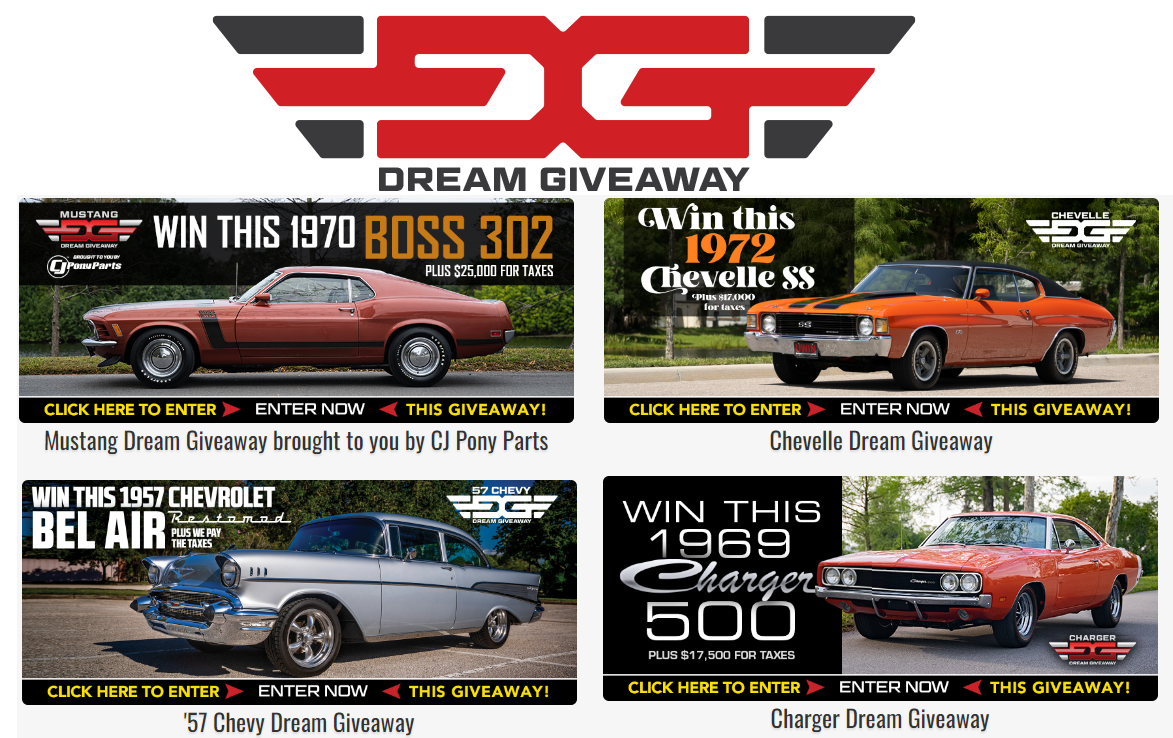
DREAM CAR GIVAWAY!
Since 2007 the Dream Giveaway® brand has been licensed by a variety of 501(c)(3) charitable organizations for the purpose of conducting sponsored fundraising promotions. Since that time Dream Giveaway has delivered millions of dollars in unrestricted funds to sponsor charities and grant recipients. These funds have helped provide important assistance to veterans, hospitalized children, cancer victims, the homeless, victims of natural disasters, and other worthwhile causes.
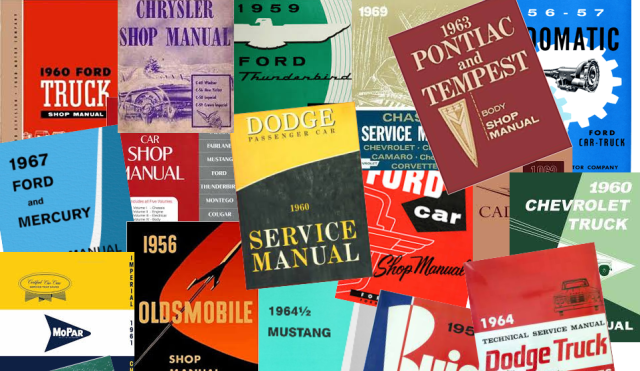
Shop Manuals and Repair Books
We have partnered with EManualsOnline to bring you the very best selection of auto repair manuals and books on the planet! Factory OEM manuals and repair books, Fisher Body manuals, electrical and accessory guides will make the job easier
Auto Parts and Accessories
Need parts? we have you covered!, we have partnered with TopLine Auto Parts to bring you a huge inventory of parts for any vehicle!
At Topline Auto Parts, We carry a wide range of auto parts from hoods, fenders, front bumpers, rear bumpers, headlights, tail lamps, grilles, and mirrors.
We provide customers with quality parts at fair price and offer free shipping on all orders.
We try our best to give the best customer service, to process orders and ship your order as soon as possible.
Professional Grade Tools and Shop Supplies
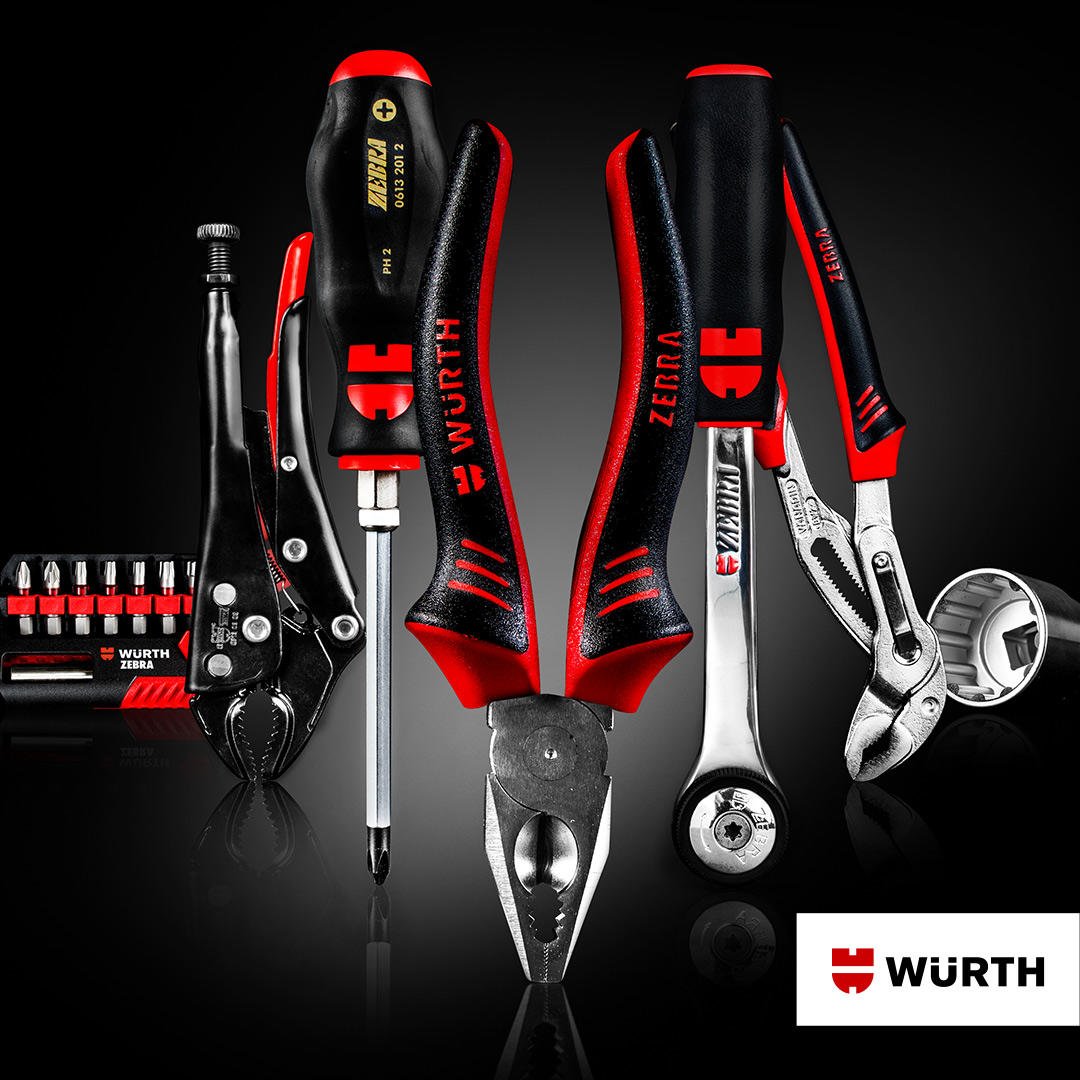
WURTHTOOL.COM was founded as a subsidiary of Wurth USA in 2020 as an online shop catered to technicians and hand tool enthusiasts around the United States of America. As we serviced industry professionals covering the automotive, construction, metal, government entities and many other industries, we found a need to not only provide incredible tool solutions to these professionals but to tool enthusiasts and project hobbyists as well.
WURTHTOOL.COM was developed to provide professional-grade tools at an affordable price so anyone with the passion to be hands-on may do so with quality work.
Vingtage Trailer Supplies
Vintage Trailer Supply is dedicated to your success restoring your vintage travel trailer!
We know that sourcing parts is complicated and time consuming. Our mission is to make restoring trailers possible by engineering and sourcing the highest quality, most authentic reproduction and replacement parts in the world. Now in our 20th year, we’ve become the leading experts on period-correct parts and complimentary modern upgrades. Our online catalog is by far the largest in the industry, and we continue to expand in response to the growing vintage trailer lifestyle.
Gifts and Novelties
Check out some of the cool finds that we have uncovered!!